Hearthborn Client
A custom client for Haven & Hearth
Plan your village. Simplify production. Explore with better tools.
Features · Documentation · Privacy · Support development · Screenshots
Built on top of the original (vanilla) Haven & Hearth client, Hearthborn is an independent, unofficial custom client focused on improving everyday gameplay through a customizable interface and tools for village management, production, exploration, mining, and more.
Languages: English and Russian (approximately 98% of the client translated into Russian) · Technology: Java 22 / Apache Ant
Features
Explore each feature in its own illustrated guide.
🎛️ Interface & controls
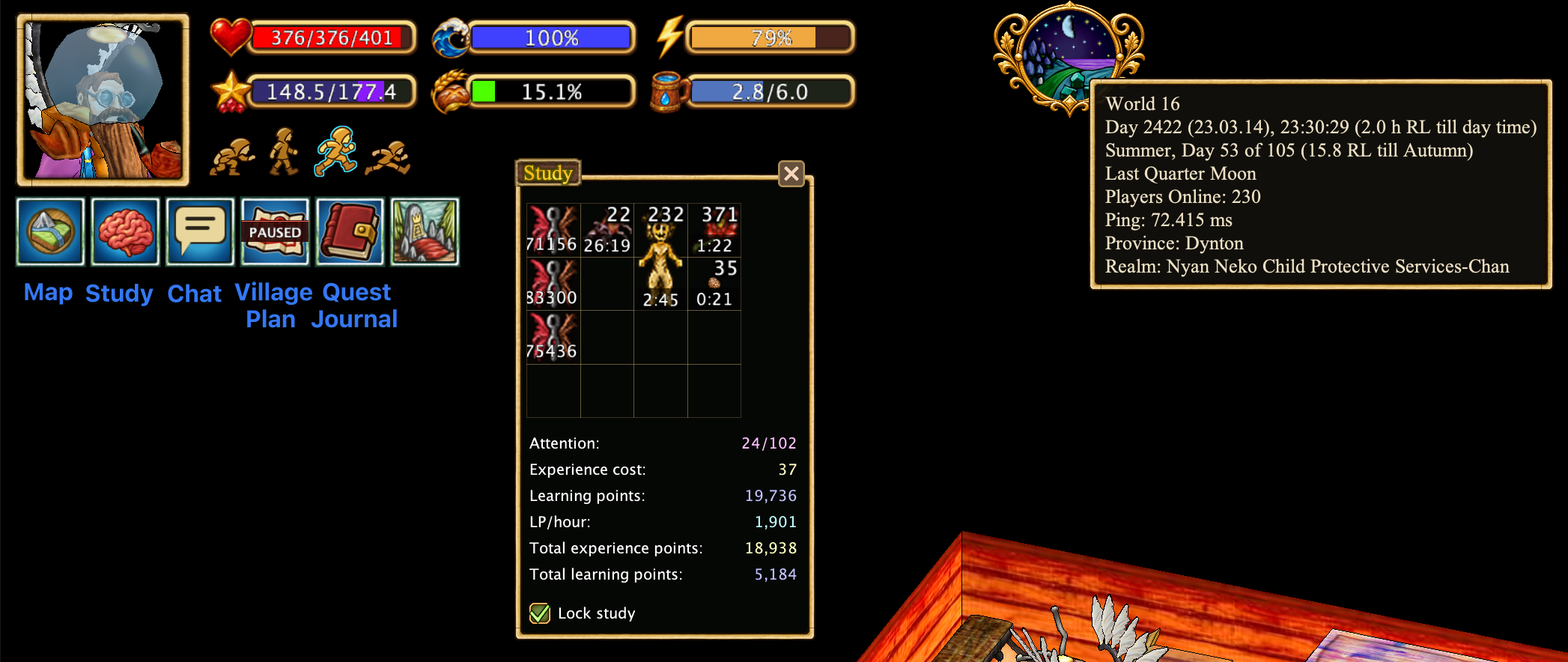
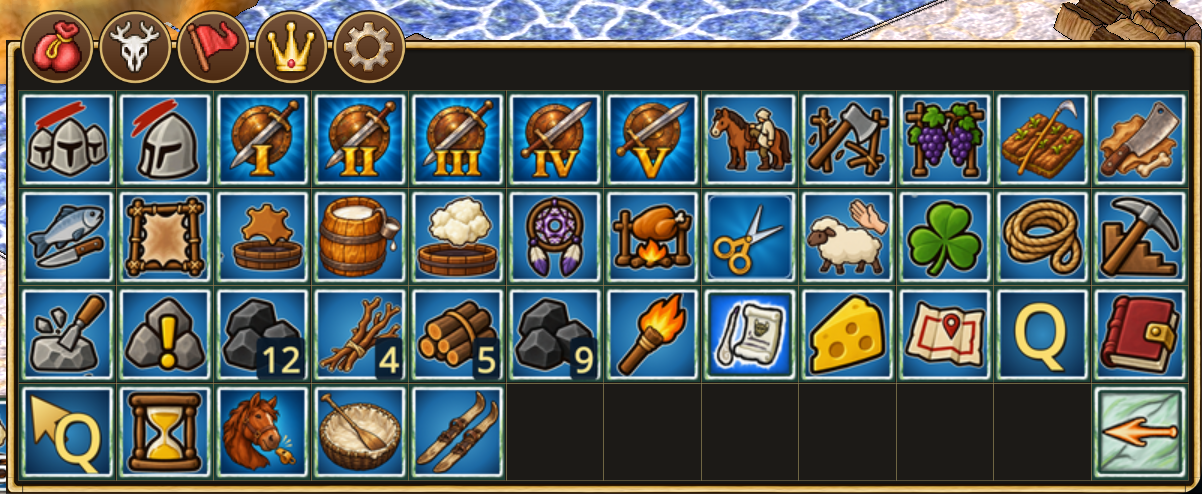
- Redesigned interface — Classic 4×4 or sidebar menu, movable toolbars, snapping windows, mirrored HUD, and compact mode.
- Redesigned Action Search — Favorites, history, recipe details, and ingredient search.
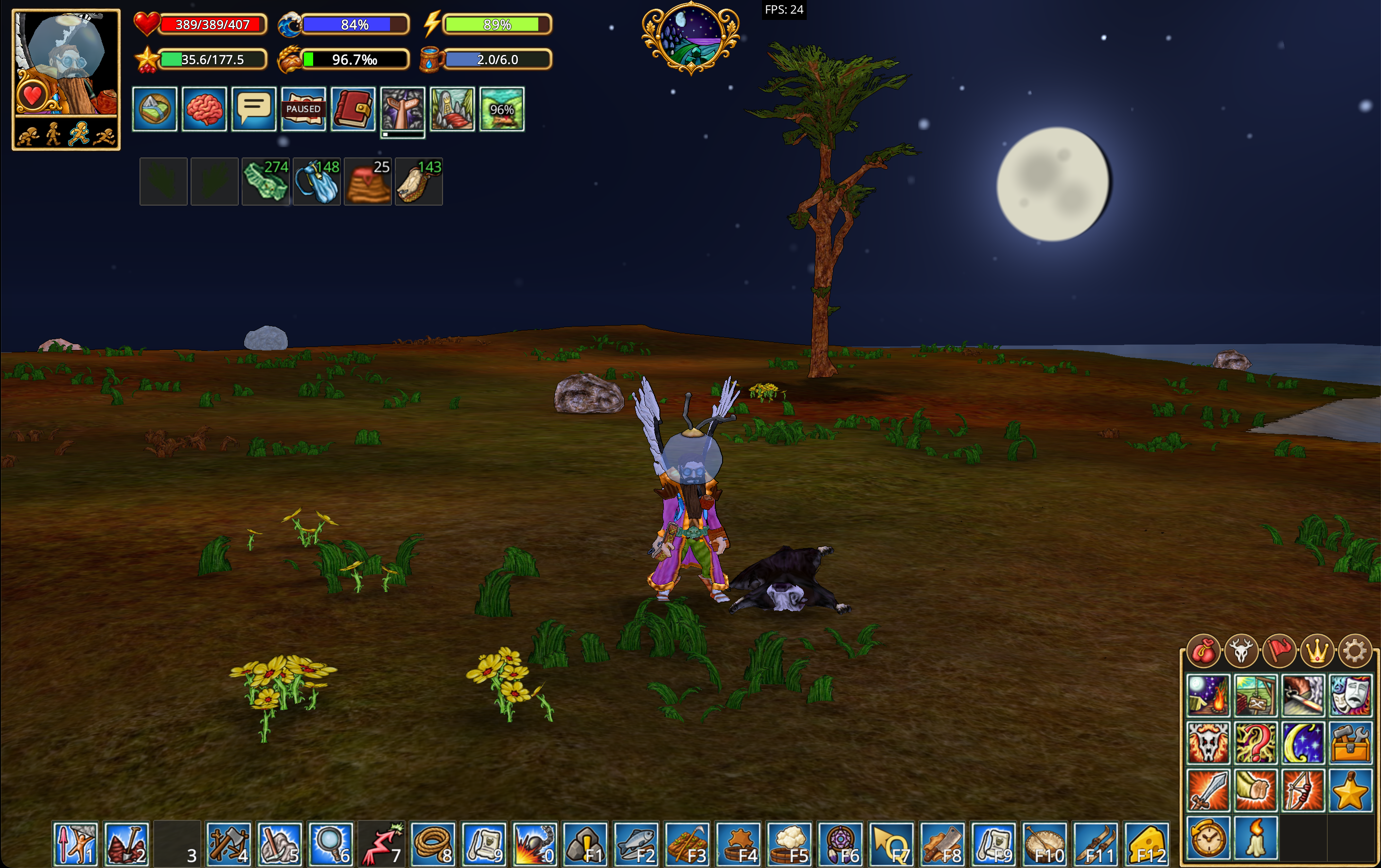
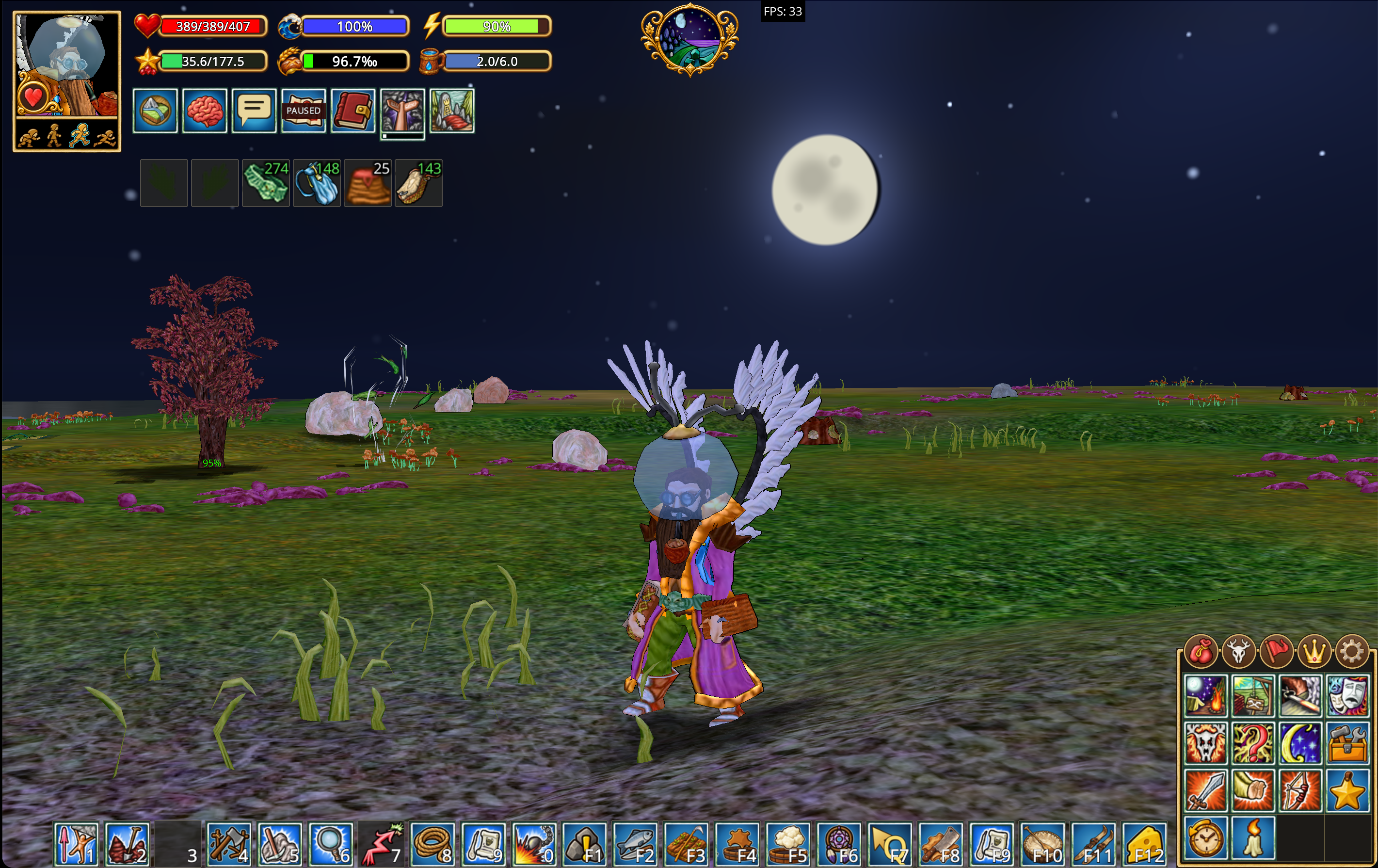
- Sky — Day and night drawn by the graphics card: sun, moon phases, clouds and stars.
⚙️ Production & management
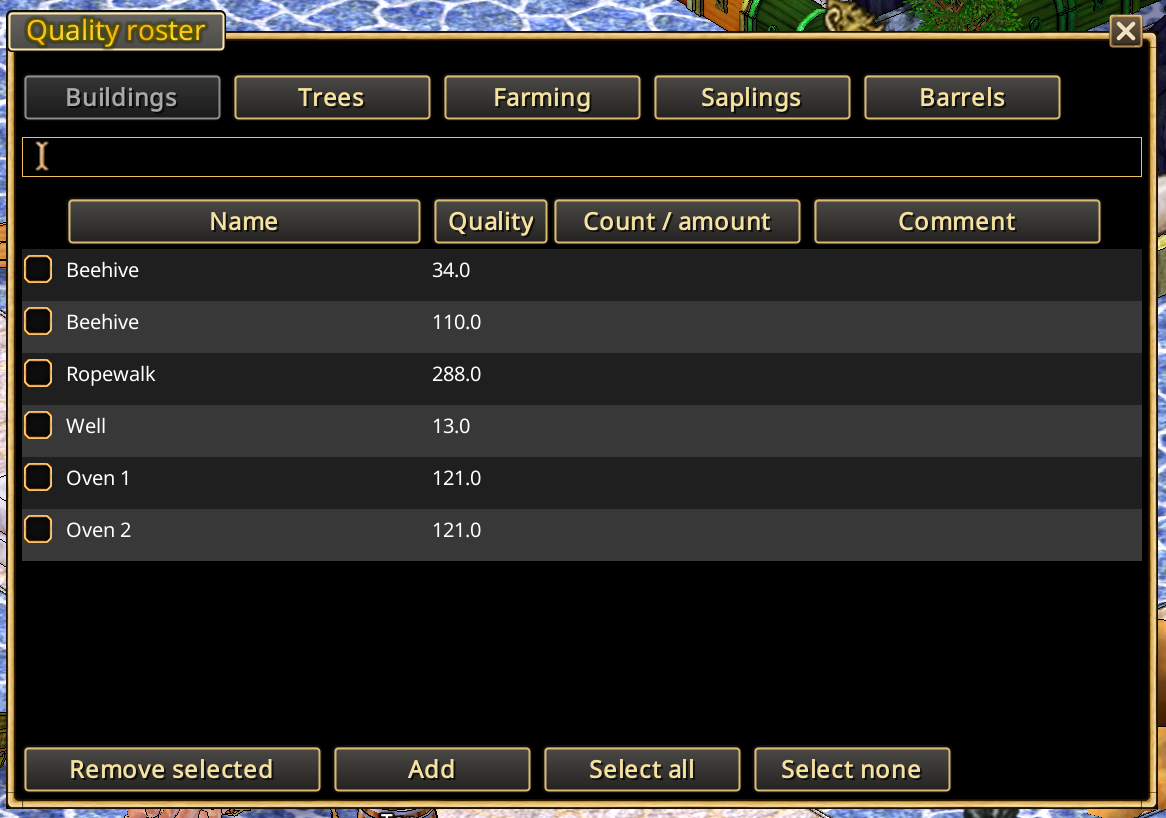
- Quality Roster — Record object quality and display known values on your plans.
- Cattle Roster — Redesigned livestock overview with automatic removal of slaughtered animals.
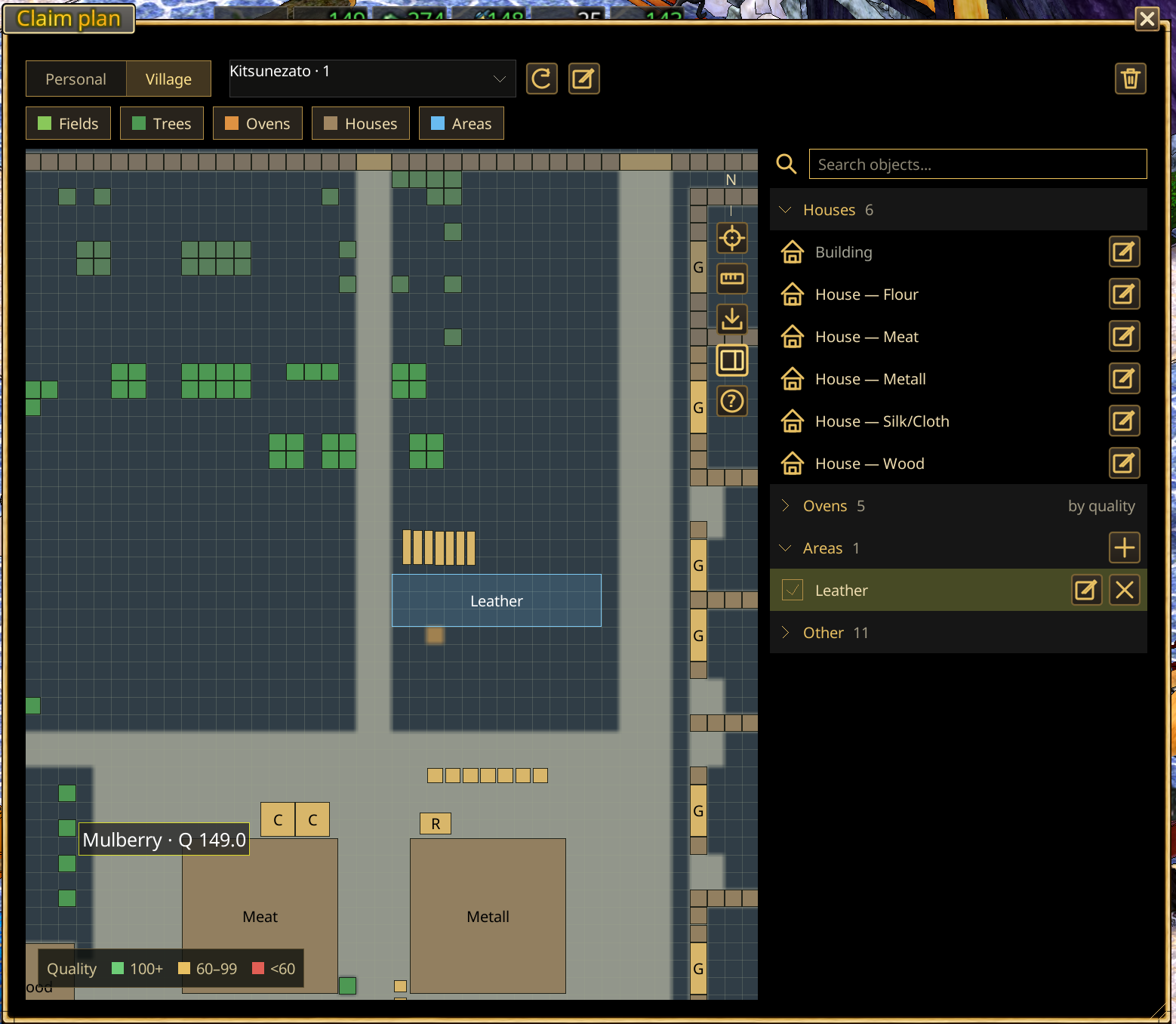
- Village & Claim Planner — Automatically map observed structures, name areas, measure tiles, and export or import plans.
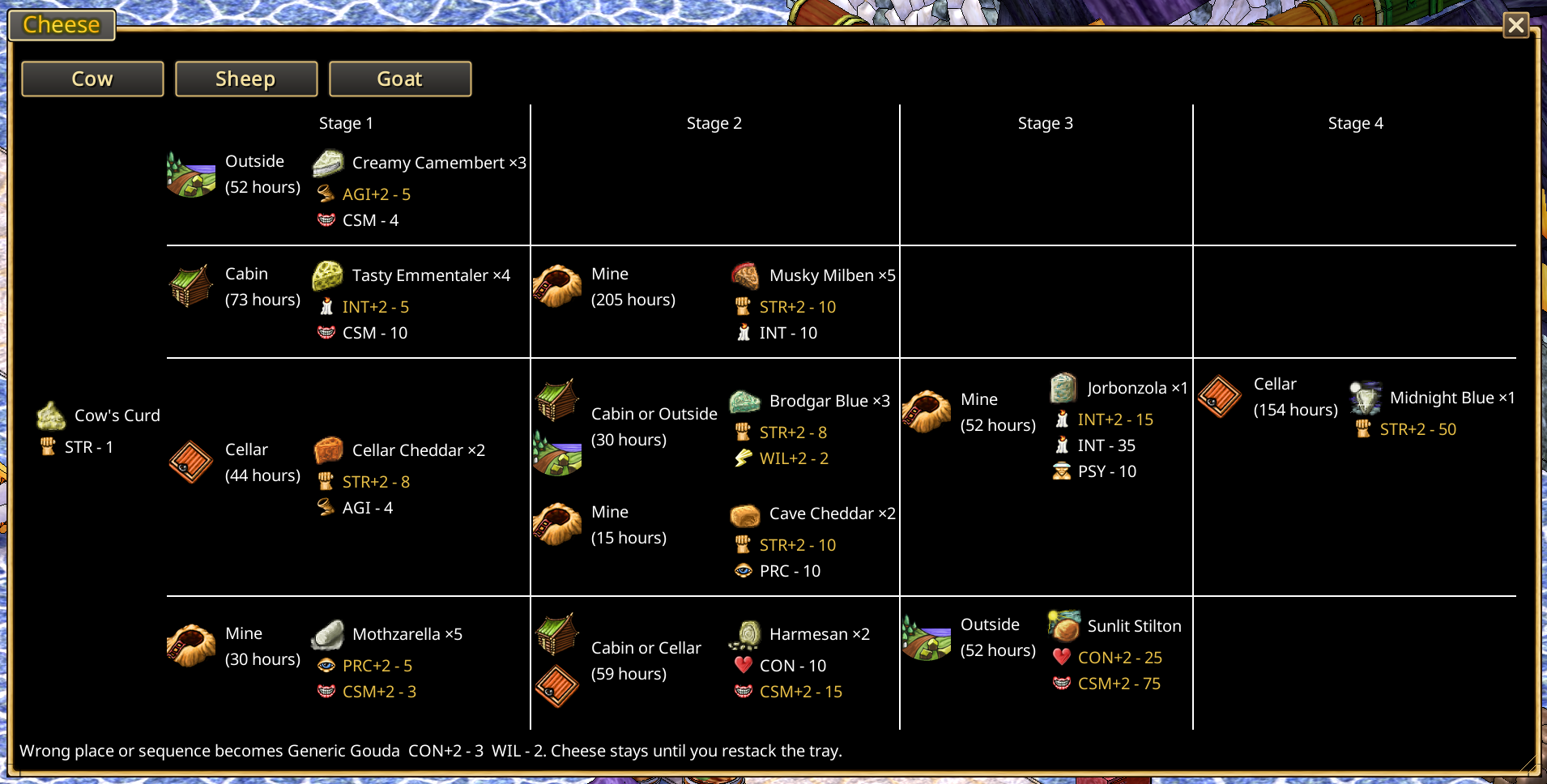
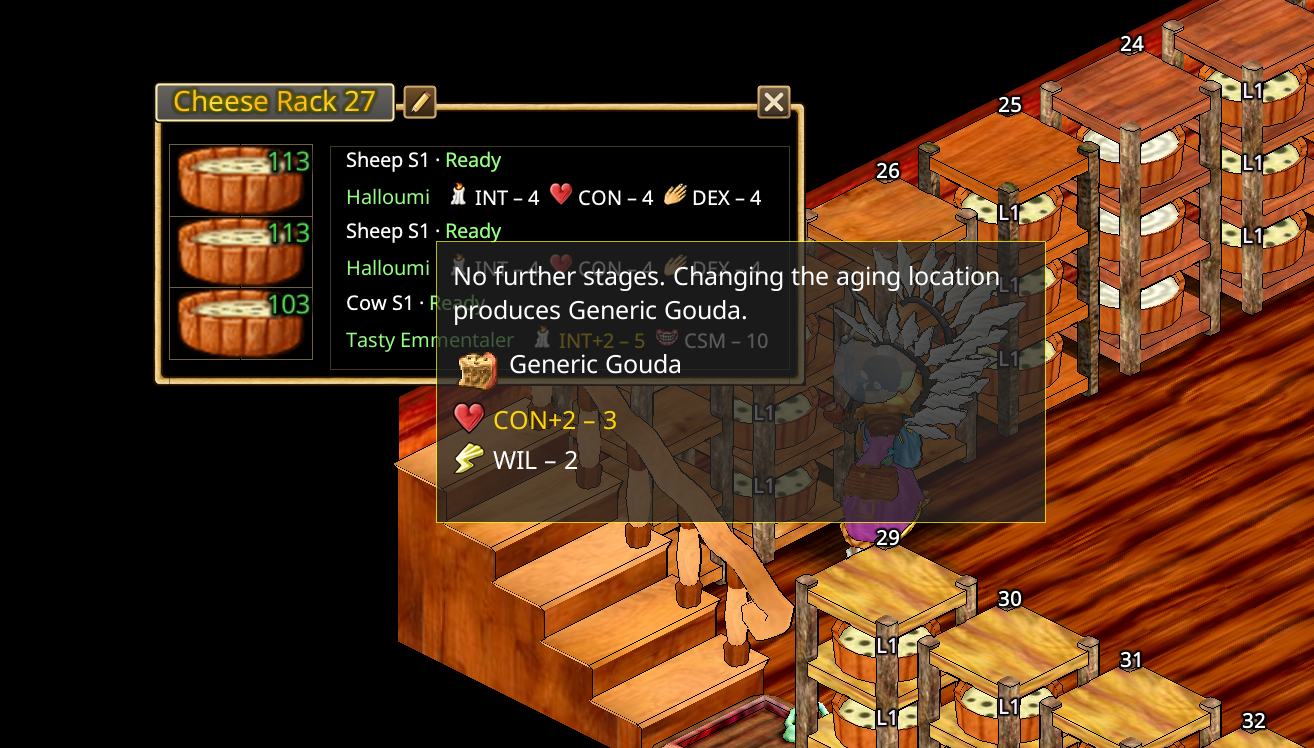
- Cheese Production Assistant — Cheese aging stages, rack labels, and progression chart.
- Automatic Timers — Production, cheese, siege, claim, and manual timers.
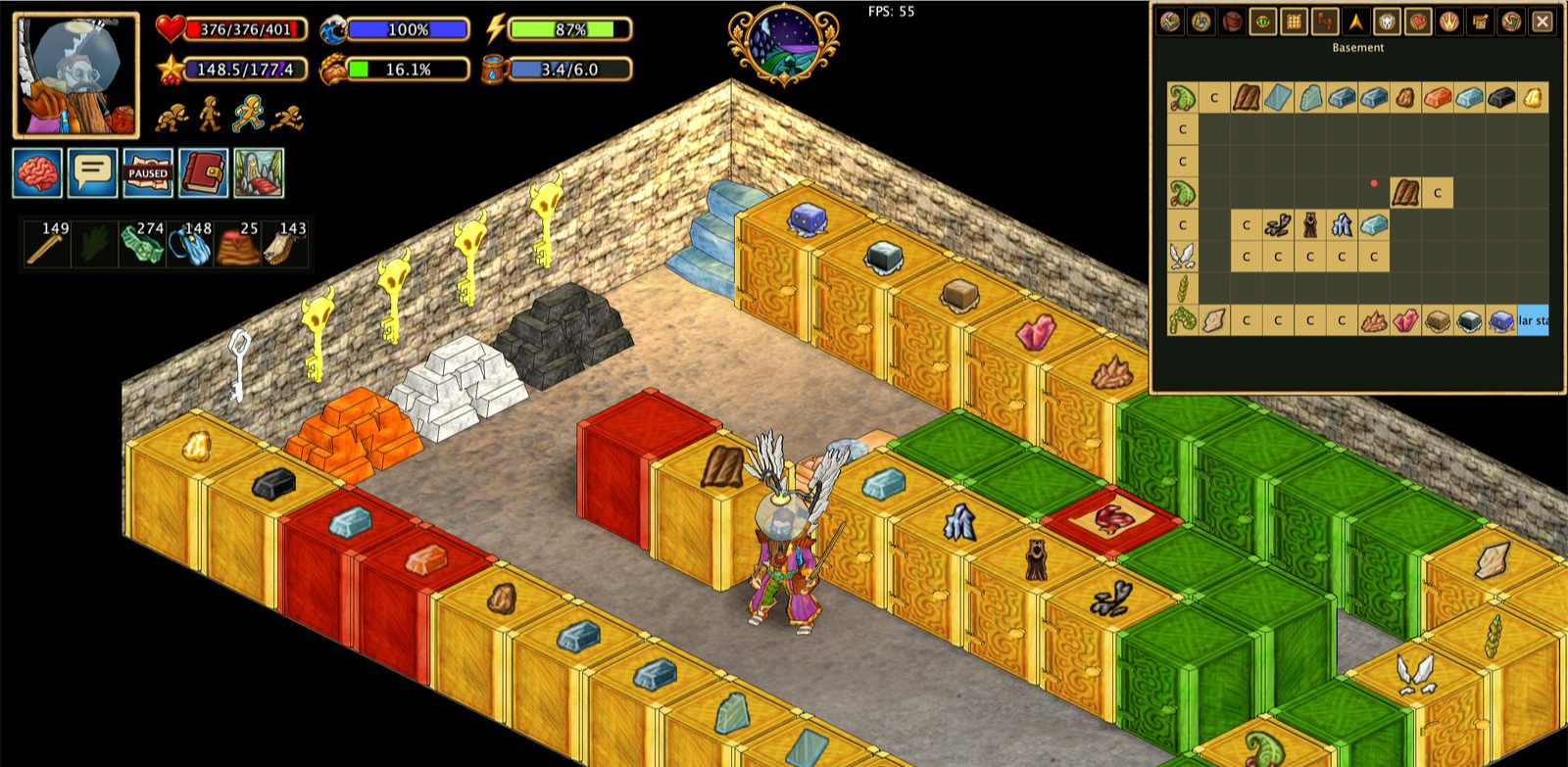
- Storage & Production Visibility — Cupboard contents, stockpile identification, and object labels.
- Automation & Xtensions — Helpers for fuel, workstations, crops, animals, and other repetitive tasks.
🗺️ Navigation & exploration
- Improved Pathfinding — On by default, with optional horseback navigation.
- Map in a separate window — Open the live map in its own window and move it to a second monitor.
- Mapping & Exports — Transfer maps between clients or export images and tiles.
- Session Trail — View your route for the current session without recording it.
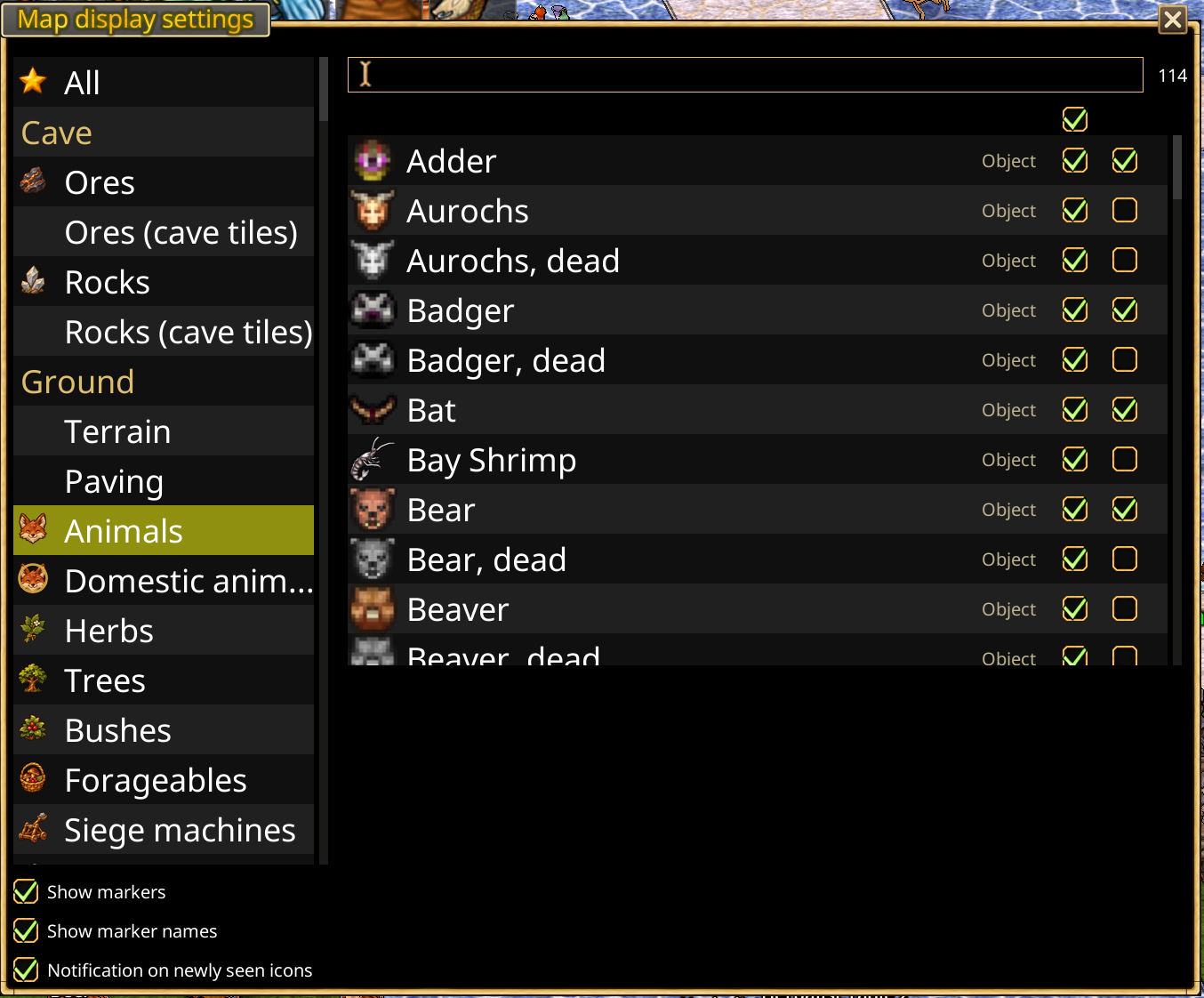
- Map Icons & Display Settings — More icons, animal sounds, and redesigned map controls.
- Meteorite Triangulation — Narrow a meteorite search area using Star Gaze observations.
⛏️ Mining & combat
- Reimagined Minesweeper — Mark cave tiles, inspect dust clues, and manage mining safety options.
- Combat Assistance — Animal auto-combat and a compact combat interface.
Getting started
Hearthborn is an unofficial custom client for Haven & Hearth. It is installed with its launcher, which has Java 22 built in, downloads and checks the client, and offers updates.
- Open the latest release and download the launcher archive for your system:
hearthborn-launcher-windows-x86_64.zip,hearthborn-launcher-macos-aarch64.zip(Apple Silicon),hearthborn-launcher-macos-x86_64.zip(Intel Mac) orhearthborn-launcher-linux-x86_64.zip. - Unpack the whole archive into a folder and start
Hearthborn.exe(Windows),Hearthborn.app(macOS) orHearthborn/bin/Hearthborn(Linux). The first start downloads the client, about 100 MB.
The launcher is not code-signed yet, so the system warns you the first time. On Windows click More info → Run anyway. On macOS Control-click the app, choose Open, then Open again; if macOS still refuses, run xattr -dr com.apple.quarantine Hearthborn.app in Terminal once.
The launcher does not update itself: when a newer launcher exists, it tells you once and its New launcher… button opens the download page. Client versions and game data are stored separately (%LOCALAPPDATA%\Hearthborn on Windows, ~/Library/Application Support/Hearthborn on macOS, ~/.local/share/hearthborn on Linux) and stay when you replace the launcher.
To explore the available features and controls, start with the interface guide and automation guide.
Documentation
Detailed guides with screenshots are available throughout the documentation. Start with the interface guide or storage and stockpiles, or use the feature links above to open individual guides.
Note: Timers, quality information, maps, and automation rely on data actually observed by the client. They do not reveal unexplored information or guarantee successful actions.
Privacy
Hearthborn does not send your data to third-party services. It only sends the data required to connect to and play on the official Haven & Hearth servers.
Support development
Hearthborn is free for everyone. Donations are voluntary and help support continued development, bug fixes, and new features. They do not unlock exclusive features or provide in-game advantages.
❤️ Support Hearthborn on Buy Me a Coffee
Credits and license
Hearthborn is an independent project based on the Haven & Hearth client. Original game and client credits belong to their respective authors. Refer to the upstream client for its original license terms.
Screenshots
A quick look at Hearthborn's interface and tools. Click a feature name for the full guide.