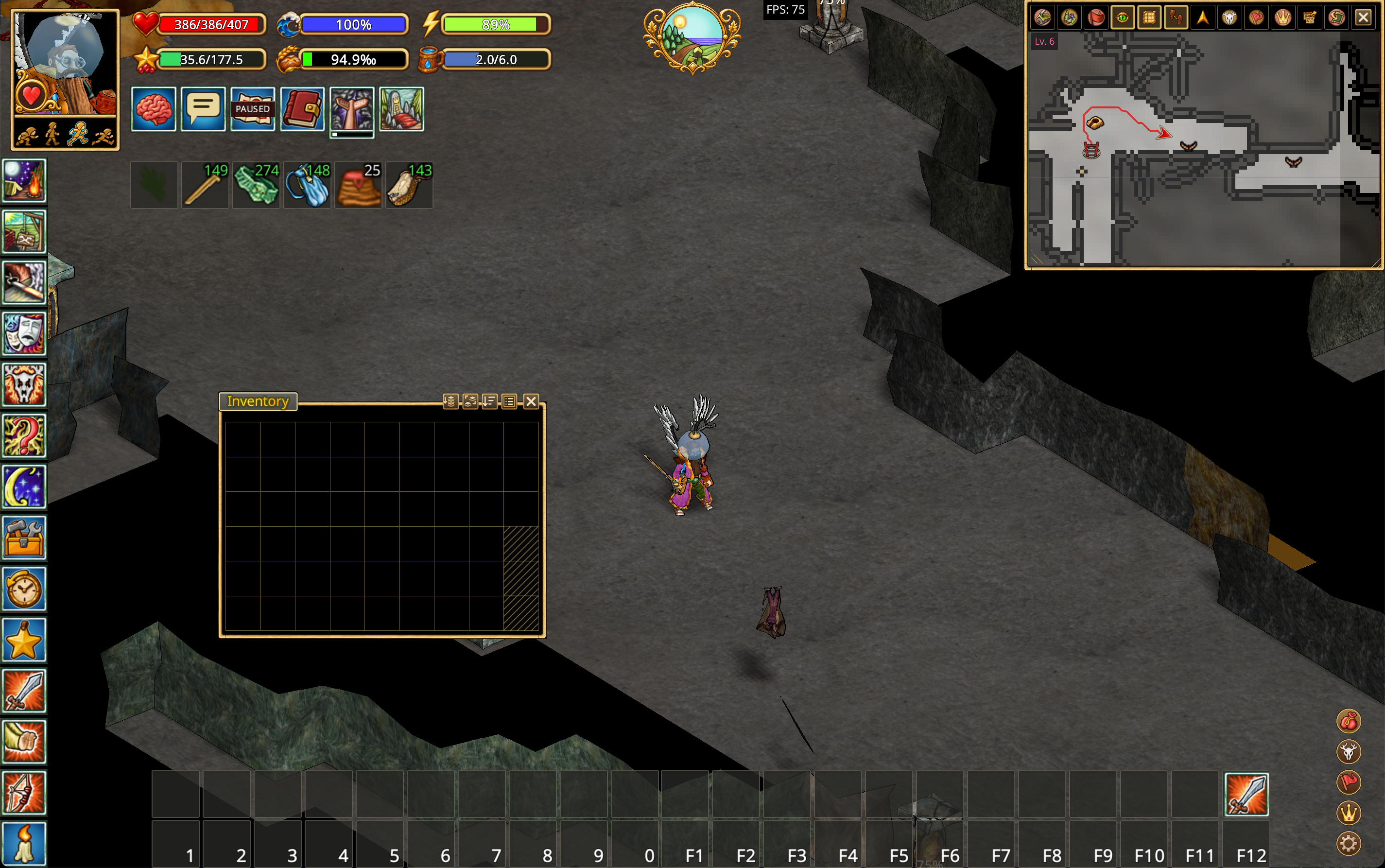
Combat assistance
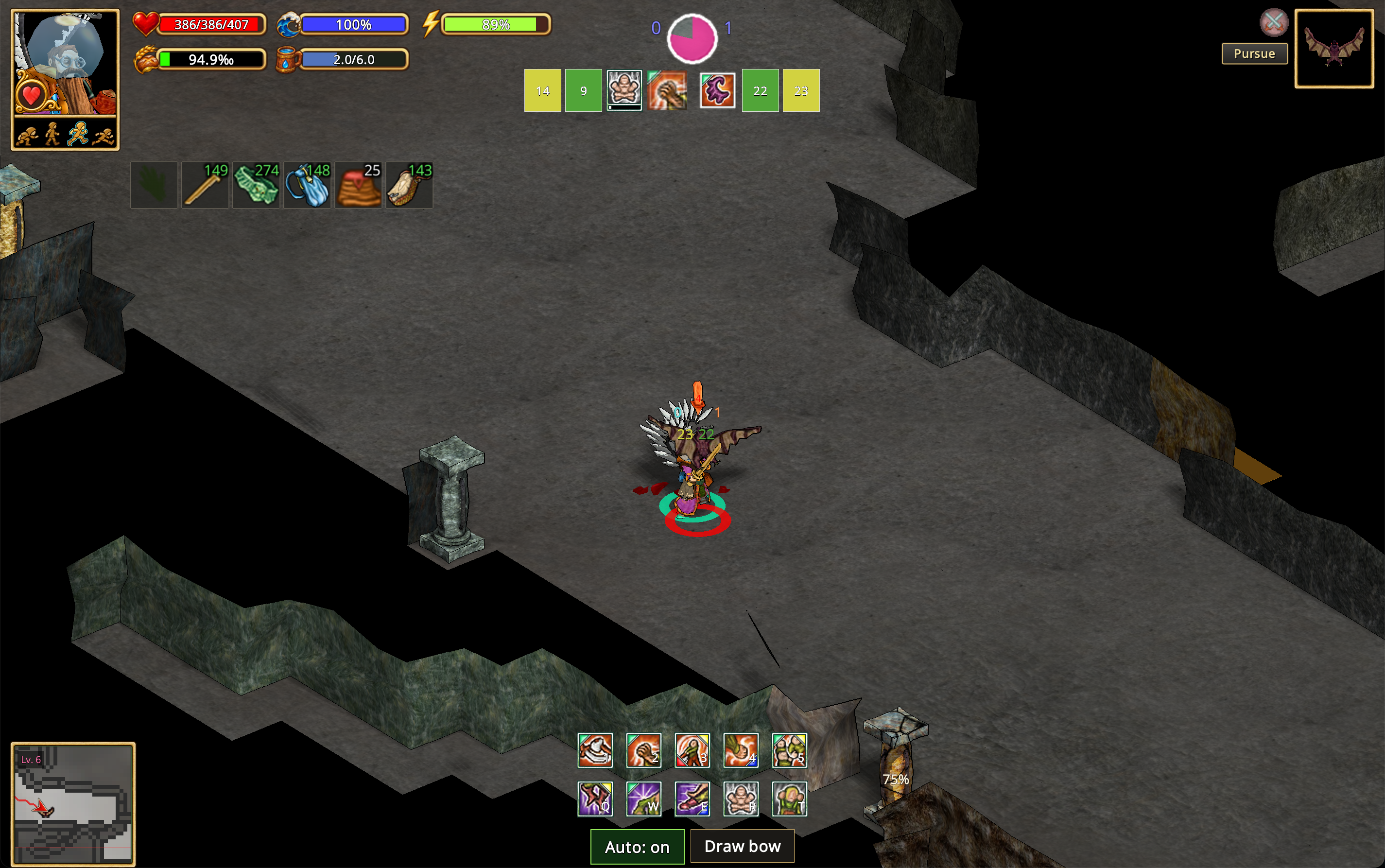
Animal auto-combat
The setting is named Combat assistance with animals. It assists with the current fight; it does not choose or engage nearby animals.
Stage 1 animal auto-combat is intended to help newer players with simpler encounters, such as ants and bats. During an existing animal fight, it automatically uses supported attacks against the target. Combat moves are not yet used; further development is planned.
It does not engage targets, position your character, or fight other players for you.
Bow shooting
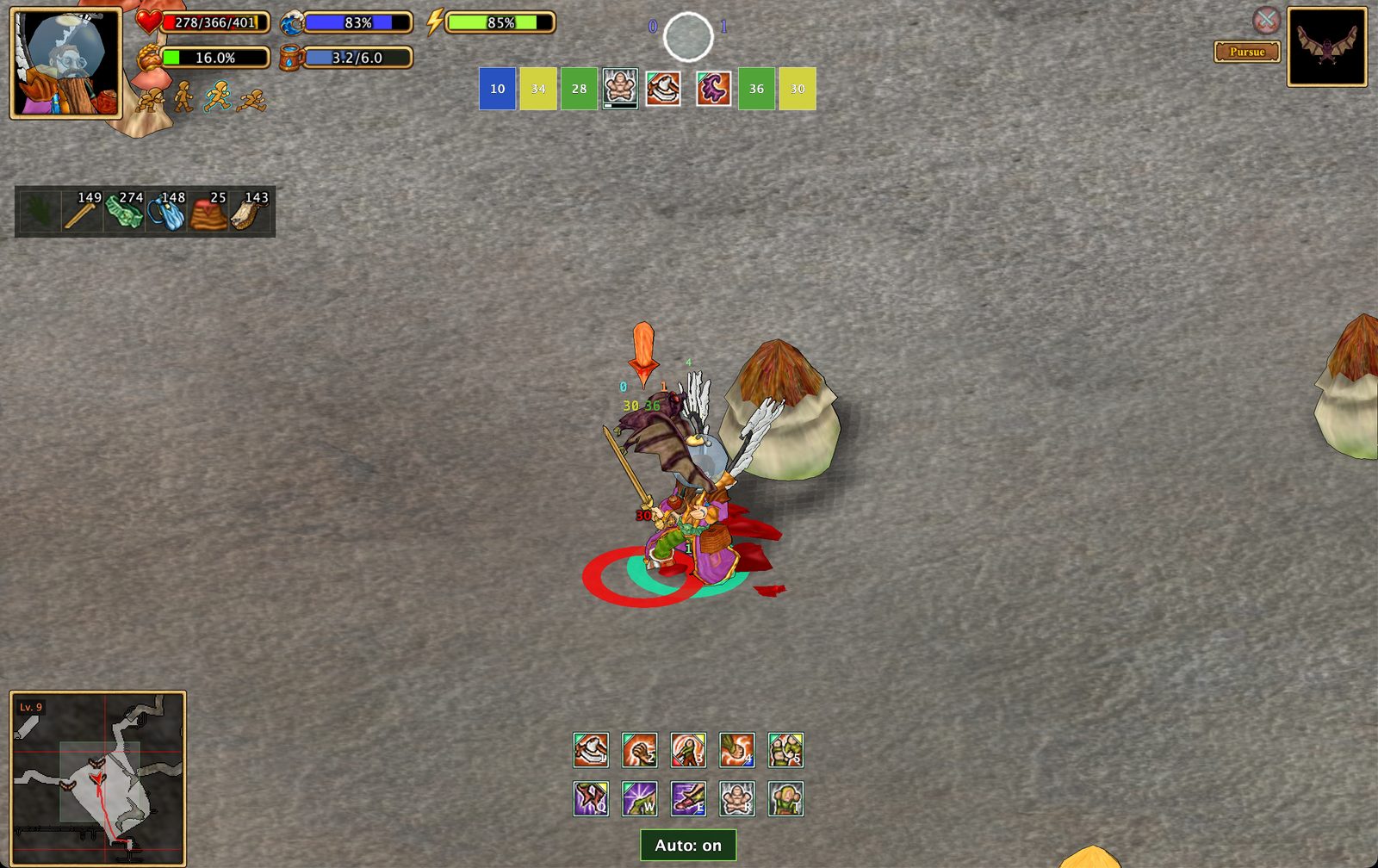
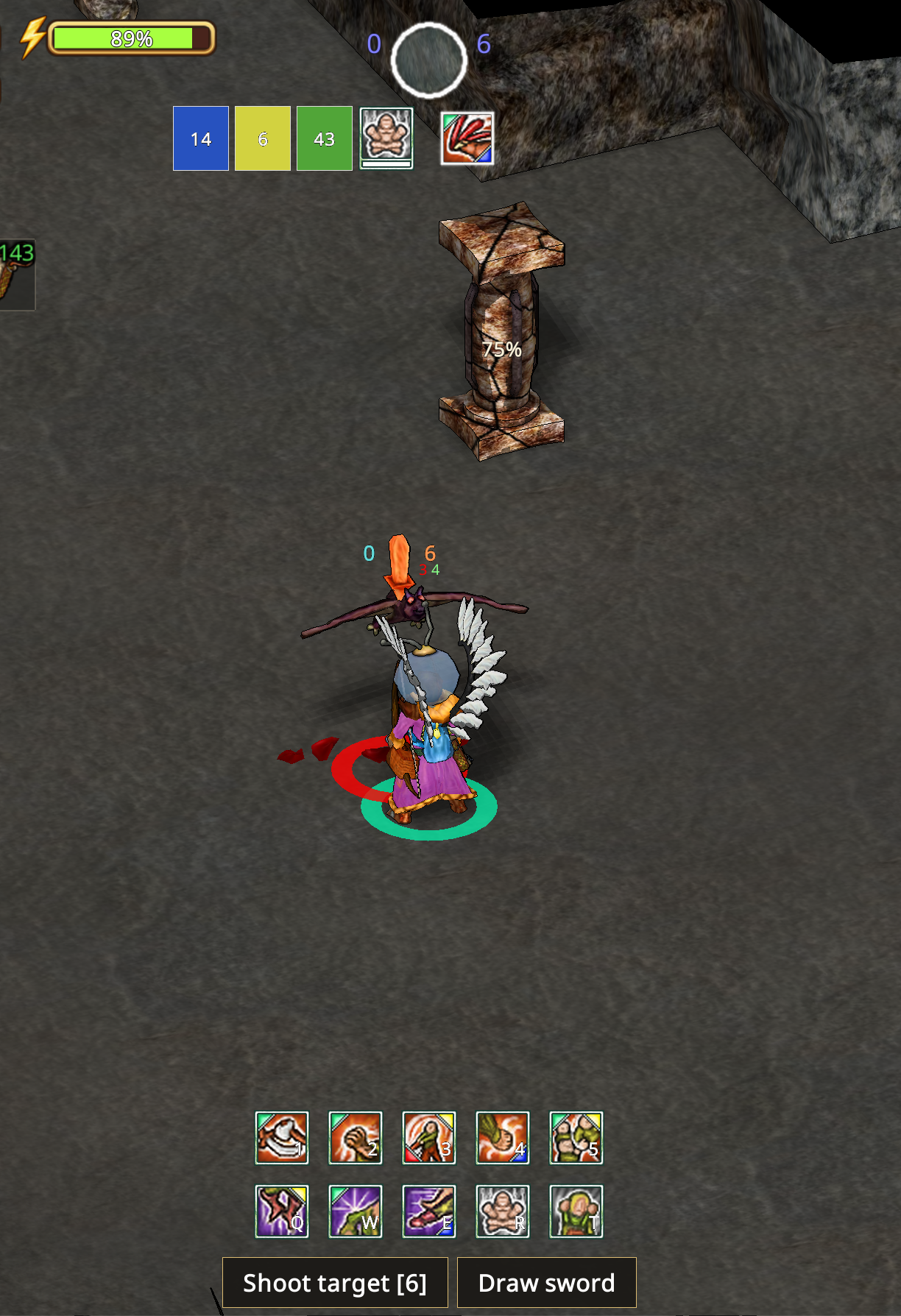
With a hunter's or ranger's bow equipped, Shoot target makes one shot at the current animal opponent. The helper activates Shoot and confirms the animal when the server's aim cursor appears. No second manual target click is needed. Every shot requires a new button press: there is no repeated shooting, retry loop or automatic resume after movement or recovery. Move, board your boat and approach the shore yourself; press Shoot target when you are stationary and ready.
The screen button remains available during combat. 6 also fires one shot while fighting with a bow; change it under Key bindings → Combat → Shoot target. The native deck keys 1–5 and Q W E R T keep their usual actions. Outside a bow fight, 6 retains its numeric hotbar action. Holding the shortcut does not repeat shots. The shooting action has been removed from Xtensions. Without a selected animal, Shoot target asks you to choose one in the world. Right-click or Escape cancels selection. Existing peace offers do not hide the selected animal. Player targets are excluded. Once the shot finishes, its aim cursor is cancelled so the next ground click moves normally. Starting movement also cancels an unfinished shot before sending the movement command.
The neighboring weapon button changes with your equipment:
- Draw sword replaces the held bow with a sword from your inventory or nested bags.
- Draw bow brings a carried bow back into your hands.
- Put away bow stores the bow when you have no carried sword.
Weapon changes happen only on a button press. The helper waits for item receipts and returns the displaced weapon to available bag space. It never drops weapons on the ground. Make room before switching; if bag space disappears mid-switch, place the held item manually. Escape stops pending switch steps. Bow entry releases inherited combat actions and disables melee assistance; enable melee assistance explicitly if wanted after switching to a sword. Later manual combat cards and weapon shortcuts retain their usual behavior.
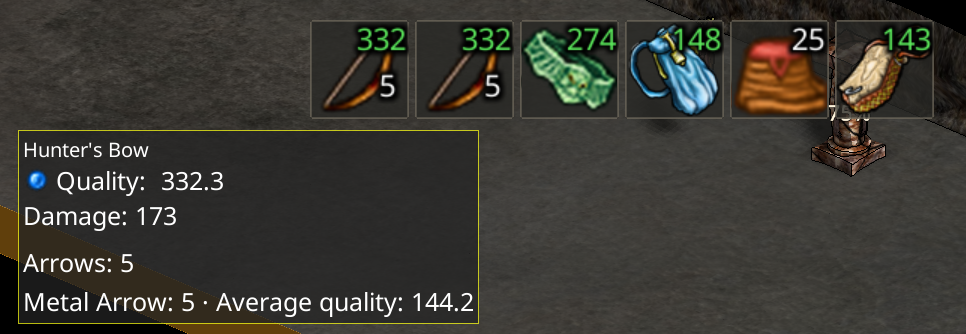
The bow icon in the equipment strip shows the total carried arrows. Its tooltip lists quantities and average quality by arrow type, including packets and quivers.
Compact interface
The compact combat interface temporarily hides nonessential windows and widgets so you can focus on the fight. Press Alt+Space to toggle compact UI, including outside combat.