Quality Roster
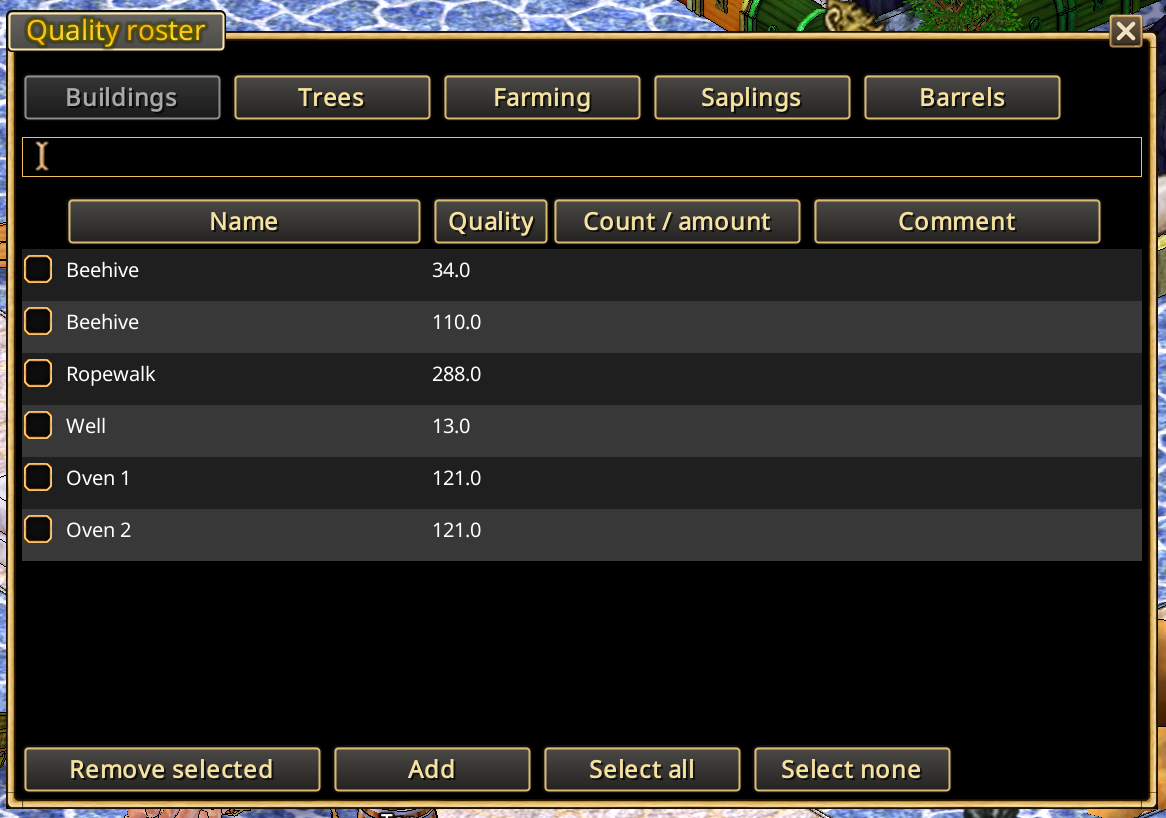
The Quality Roster keeps a journal of quality values observed on objects and resources.
Two Q buttons in Xtensions menu
- Q: Open the Quality Roster and browse recorded entries, including buildings, trees, seeds, saplings, and barrels.
- Q with an arrow: Activate the quality-recording cursor. Select an object to read its quality and record it in the journal.
Planting material
The Farming tab includes crop seeds and planting material such as carrots, turnips, onions and whole garlic bulbs. Choose Farming → Add, then left-click a bulb or stack in an inventory. The journal records the best quality among the stack's members and the number of members at that quality; red and yellow onions have separate records.
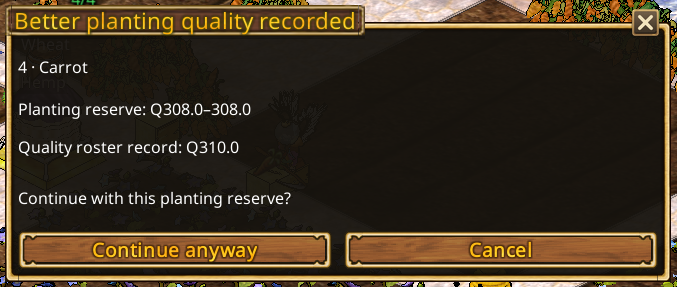
Field processing records planting stock automatically when sowing starts. A new or improved record requires at least five usable items of the same quality, counted across the inspected storage and backpack. This includes roots and bulbs. Higher or equal historical records are retained; different qualities are not combined to meet the threshold. All crop profiles supported by field processing are also accepted by the journal. Manual recording remains available for smaller quantities. Existing records are retained after the tab rename.
Quality on plans
Recorded quality values can also appear on the Village Plan or Personal Claim Plan, allowing you to identify useful trees and production equipment in context. A plan cannot show quality that has not been recorded.