Meteorite triangulation
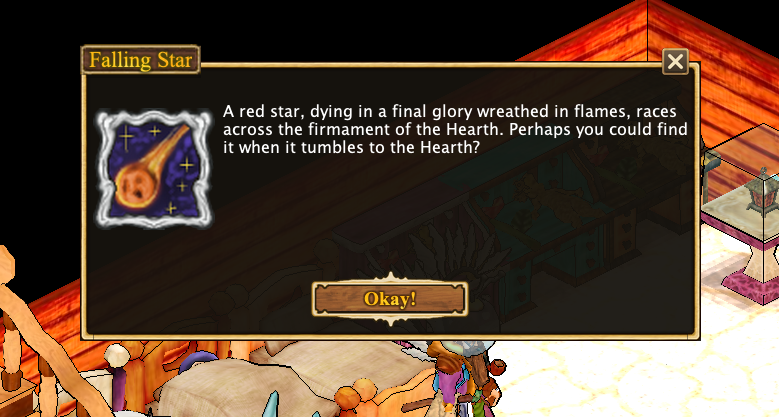
When a falling-star notification appears, the Star Gaze action becomes available. Use it to determine the direction of the expected meteorite impact.
The Starfall icon shows a countdown only while a server forecast received after Star Gaze is still valid. Unknown or expired forecasts leave the icon without numbers; use Star Gaze again to obtain a new estimate.
How triangulation works
Each time you use Star Gaze, Hearthborn draws the indicated direction on the map from the location where you performed the action. Repeat Star Gaze from different locations to add more direction lines. Their intersection helps you narrow down the likely meteorite landing area.
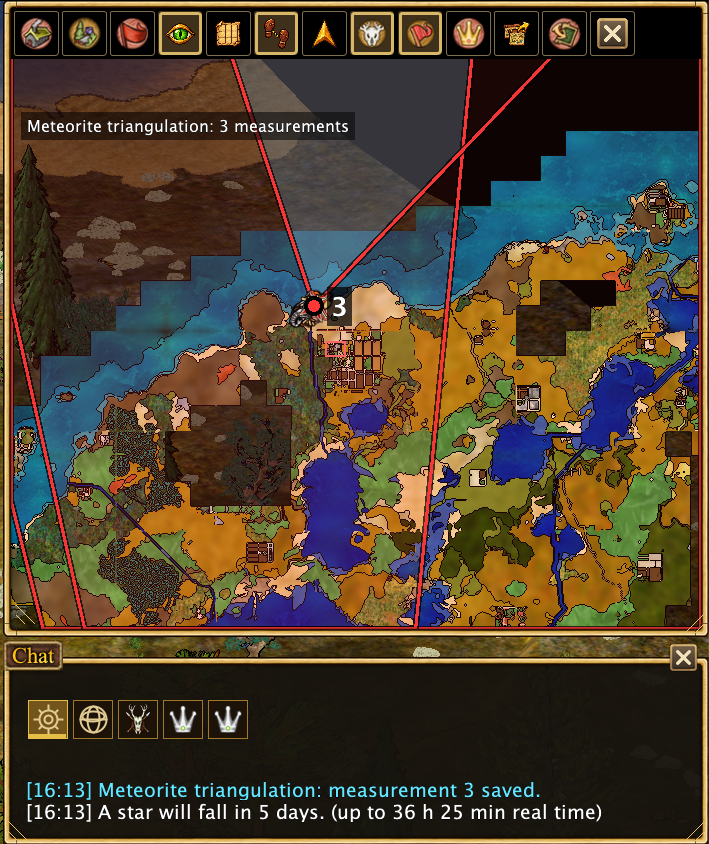
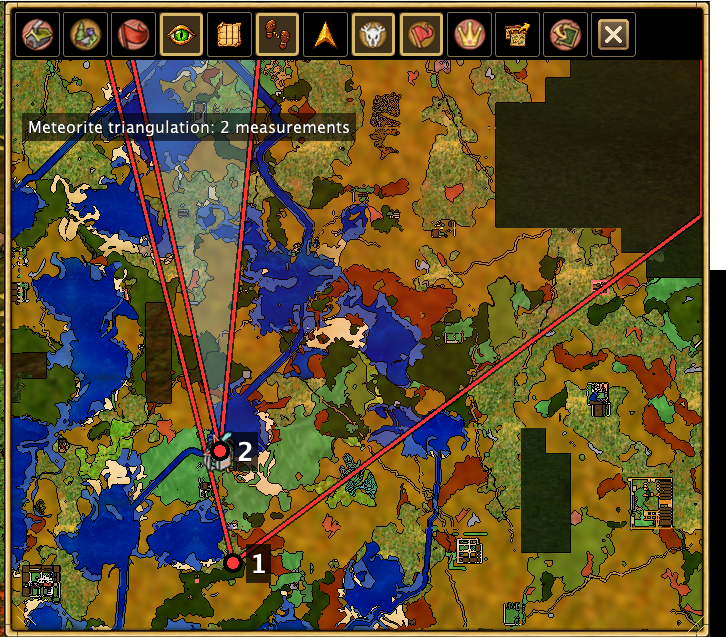
The map shows your observations while the starfall event is active, allowing you to compare the directions and plan your search. You can also follow the server-provided starfall forecast.
Managing observation lines
- While the event is active: Star Gaze direction lines remain visible on the map.
- Remove an observation manually: Right-click (RMB) the point on the map where you used Star Gaze to remove its line.
- After the meteorite falls: The Star Gaze action disappears, and the observation lines are automatically removed from the map.
Triangulation helps estimate the landing area; it does not reveal the exact impact location.